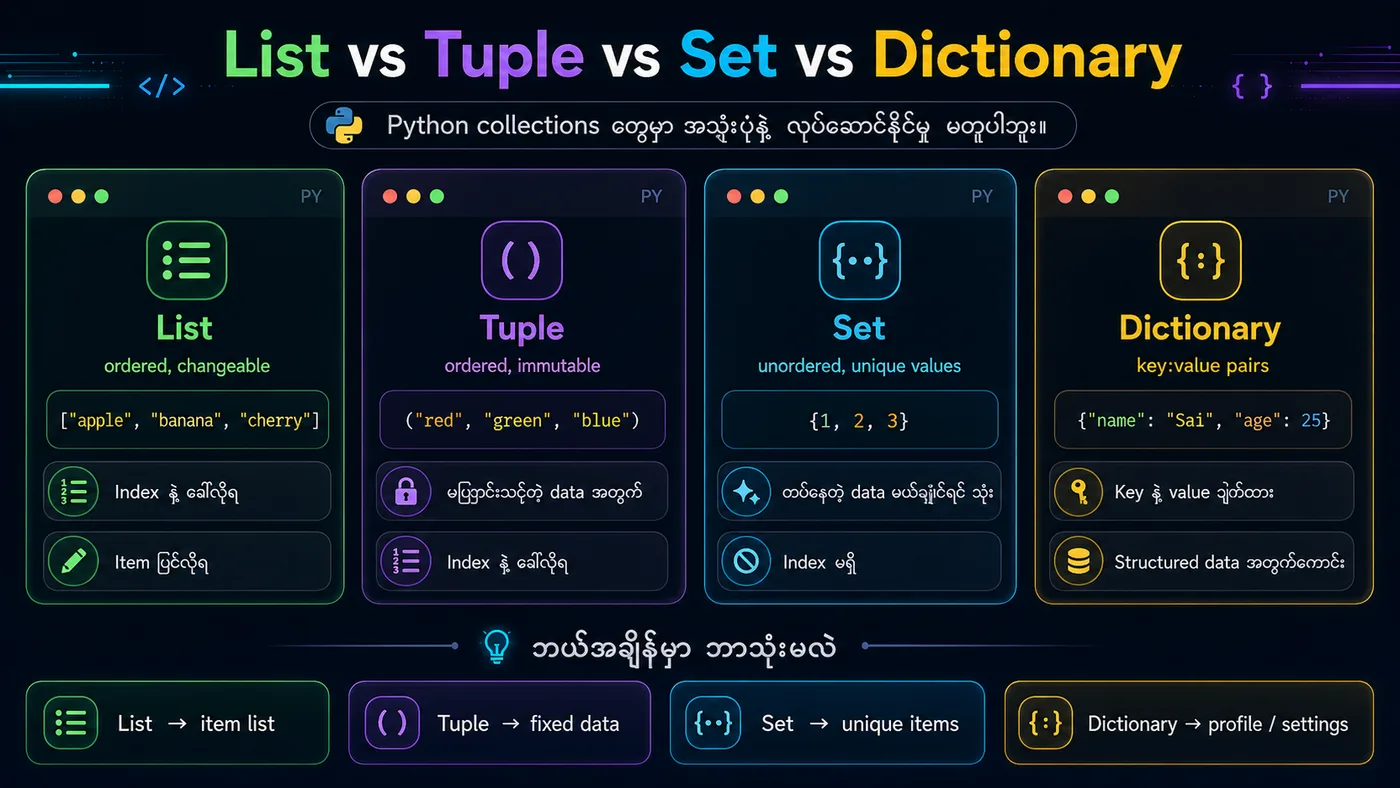
🐍 Lesson 12: Python Lists (Python စာရင်း)
1. List ဆိုတာဘာလဲ?
မြန်မာ → List ဆိုတာ တန်ဖိုးအများစုကို တစ်နေရာတည်းမှာ စုထားနိုင်တဲ့ Data Type ဖြစ်ပြီး ordered (အစဉ်ရှိ) နဲ့ changeable (ပြောင်းလဲနိုင်) တယ်။
English → A list is a collection that is ordered and changeable, allowing duplicate values.
2. List Methods (အသုံးများတဲ့ Methods)
append()→ နောက်ဆုံးထပ်ထည့်insert()→ အစဉ်တစ်ခုမှာ ထည့်remove()→ တန်ဖိုးနဲ့ ဖျက်pop()→ index နဲ့ ဖျက်clear()→ list အကုန်ဖျက်
3. အကျဉ်းချုပ်
✅ List = ordered + changeable collection
✅ Indexing, slicing နဲ့ တန်ဖိုးခေါ်နိုင်
✅ append(), insert(), remove(), pop(), clear() နဲ့ ပြောင်းလဲနိုင်
✅ Loop နဲ့ iterate လို့ရ
python
# ===== 1. Create a List =====
fruits = ["apple", "banana", "cherry"]
print(f"Original: {fruits}")
print(f"Type: {type(fruits)}")

# ===== 2. Indexing & Slicing =====
print(f"\n===== Indexing & Slicing =====")
print(f"First item: {fruits[0]}")
print(f"Last item: {fruits[-1]}")
print(f"Slice [0:2]: {fruits[0:2]}")

# ===== 3. Change List Items =====
print(f"\n===== Modifying =====")
fruits[1] = "mango"
print(f"After change: {fruits}")

# ===== 4. Add Items =====
fruits.append("orange")       # Add to end
print(f"After append: {fruits}")

fruits.insert(1, "banana")    # Insert at index 1
print(f"After insert: {fruits}")

# ===== 5. Remove Items =====
fruits.remove("apple")        # Remove by value
print(f"After remove: {fruits}")

fruits.pop(0)                 # Remove by index
print(f"After pop: {fruits}")

# ===== 6. Loop Through List =====
print(f"\n===== Looping =====")
for fruit in ["apple", "banana", "cherry"]:
    print(fruit)

# ===== 7. List Length =====
print(f"\nLength: {len(fruits)}")

# ===== 8. Check Membership =====
print(f"\n'cherry' in fruits: {'cherry' in fruits}")
You should see
Original: ['apple', 'banana', 'cherry'] Type: ===== Indexing & Slicing ===== First item: apple Last item: cherry Slice [0:2]: ['apple', 'banana'] ===== Modifying ===== After change: ['apple', 'mango', 'cherry'] After append: ['apple', 'mango', 'cherry', 'orange'] After insert: ['apple', 'banana', 'mango', 'cherry', 'orange'] After remove: ['banana', 'mango', 'cherry', 'orange'] After pop: ['mango', 'cherry', 'orange'] ===== Looping ===== apple banana cherry Length: 3 'cherry' in fruits: True