🐍 Lesson 13: Python Tuples
1. What is a tuple?
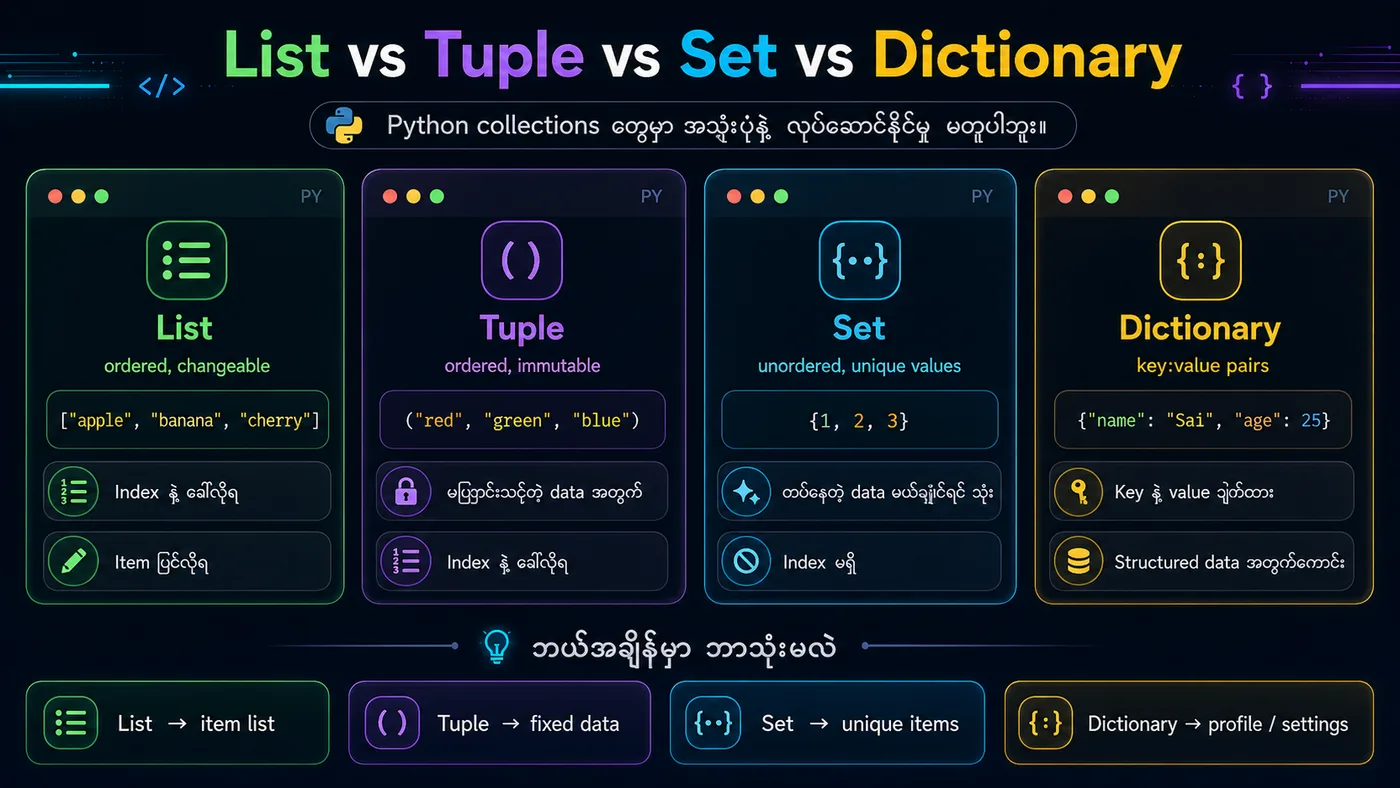
In short → A tuple is a data type that, like a list, can store multiple values, but it's immutable.
More formally → A tuple is like a list, but it is immutable (cannot be changed after creation).
2. Tuple Unpacking
You can unpack the values inside a tuple directly into multiple variables.
3. Summary
✅ Tuple = ordered + immutable collection
✅ You can access values with indexing and slicing
✅ Need to change a value? → Convert it to a list, edit it, then convert it back to a tuple
✅ A one-item tuple needs a trailing comma
python
# ===== 1. Create a Tuple =====
fruits = ("apple", "banana", "cherry")
print(f"Tuple: {fruits}")
print(f"Type: {type(fruits)}")

# ===== 2. Indexing & Slicing =====
print(f"\n===== Indexing & Slicing =====")
print(f"First item: {fruits[0]}")
print(f"Last item: {fruits[-1]}")
print(f"Slice [0:2]: {fruits[0:2]}")

# ===== 3. Tuple is Immutable =====
print(f"\n===== Immutable =====")
# fruits[1] = "mango"  # ❌ Error: 'tuple' object does not support item assignment

# To change: Convert to list, modify, convert back
y = list(fruits)
y[1] = "mango"
fruits = tuple(y)
print(f"After conversion: {fruits}")

# ===== 4. Tuple Length =====
print(f"\nLength: {len(fruits)}")

# ===== 5. One-item Tuple =====
print(f"\n===== One-item Tuple =====")
a = ("apple",)   # ✅ Tuple (comma needed)
b = ("apple")    # ❌ String (no comma)
print(f"Type of a: {type(a)}")
print(f"Type of b: {type(b)}")

# ===== 6. Tuple Unpacking =====
print(f"\n===== Unpacking =====")
colors = ("red", "green", "blue")
(r, g, b) = colors
print(f"Red: {r}, Green: {g}, Blue: {b}")

# ===== 7. Loop Through Tuple =====
print(f"\n===== Looping =====")
for item in ("apple", "banana", "cherry"):
    print(item)
You should see
Tuple: ('apple', 'banana', 'cherry') Type: ===== Indexing & Slicing ===== First item: apple Last item: cherry Slice [0:2]: ('apple', 'banana') ===== Immutable ===== After conversion: ('apple', 'mango', 'cherry') Length: 3 ===== One-item Tuple ===== Type of a: Type of b: ===== Unpacking ===== Red: red, Green: green, Blue: blue ===== Looping ===== apple banana cherry